
When logged into the Loan Payment Center and setting up a recurring or one-time payment, you can add a new bank account to use for payments.
Select Add New Bank Account and fill in the details of your bank or credit union.
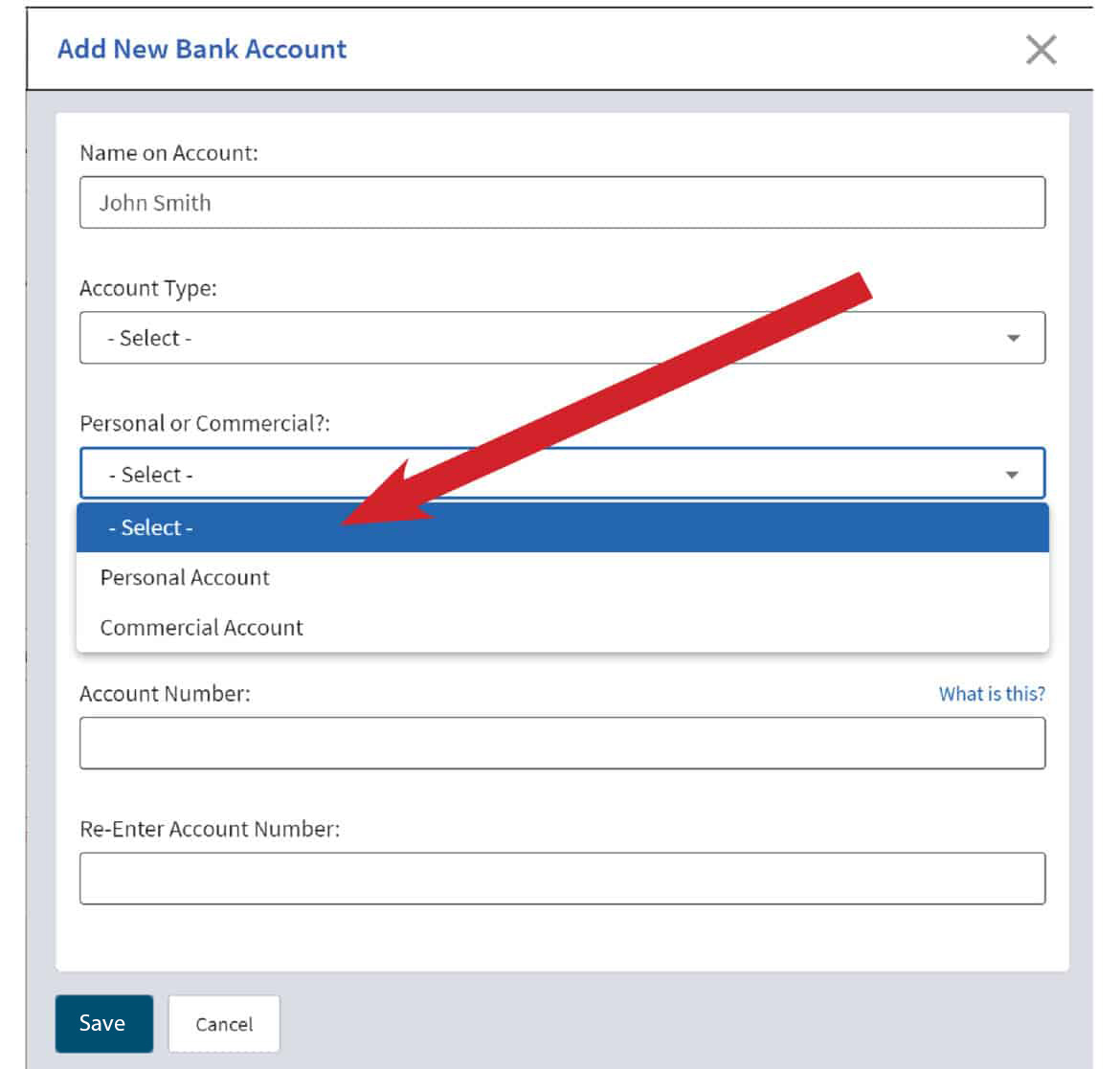
Select whether your account is a Personal or Commercial Account.
Enter the financial institution’s Routing Number and your Account Number, and then click Save.
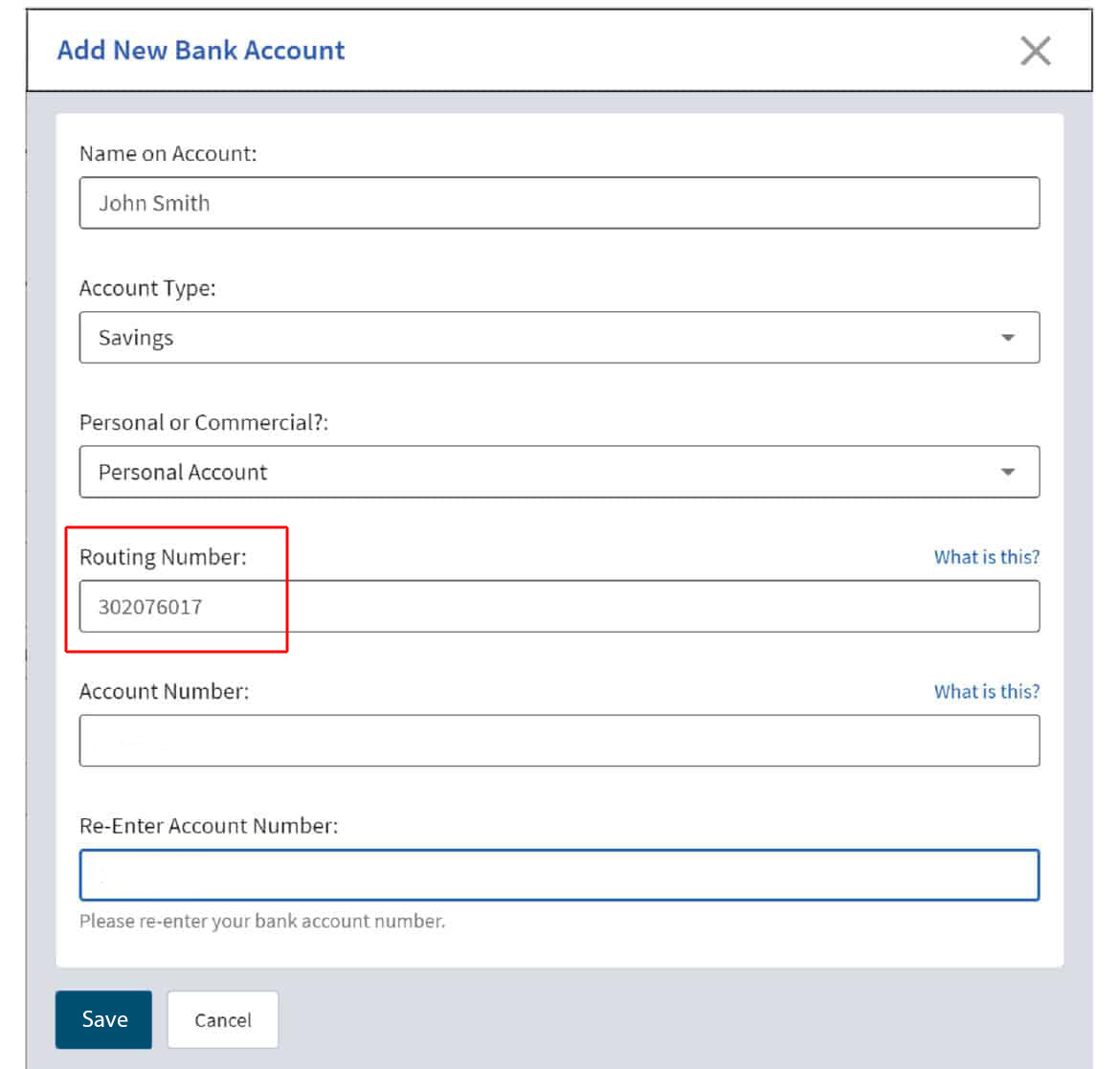
Click Save. And that’s it!