Switch Your Recurring Payment in the Loan Payment Center
Need to create a recurring payment? We've got steps here.

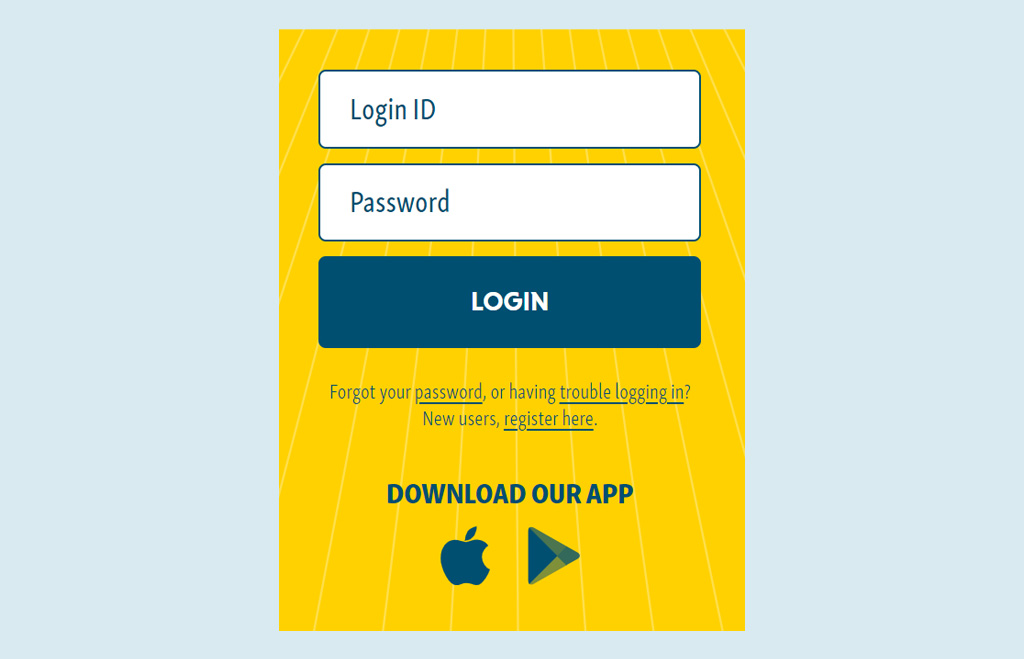
Log into your Climb Online or Mobile Banking account to cancel the existing recurring payment.
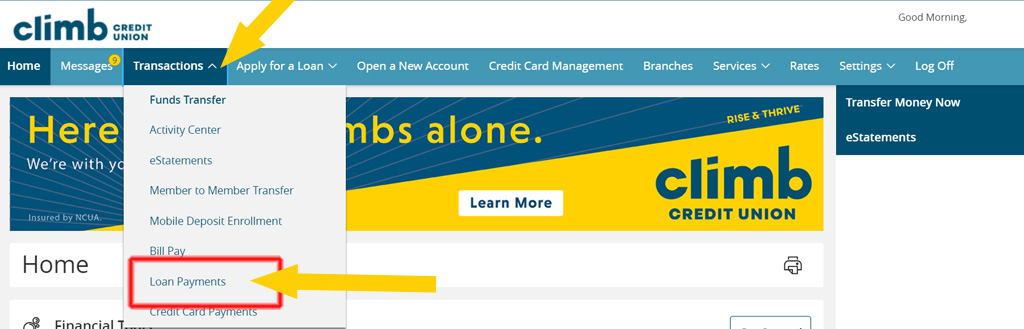
From the Home screen, under Transactions, click on Loan Payments.
Select Payment Actions.
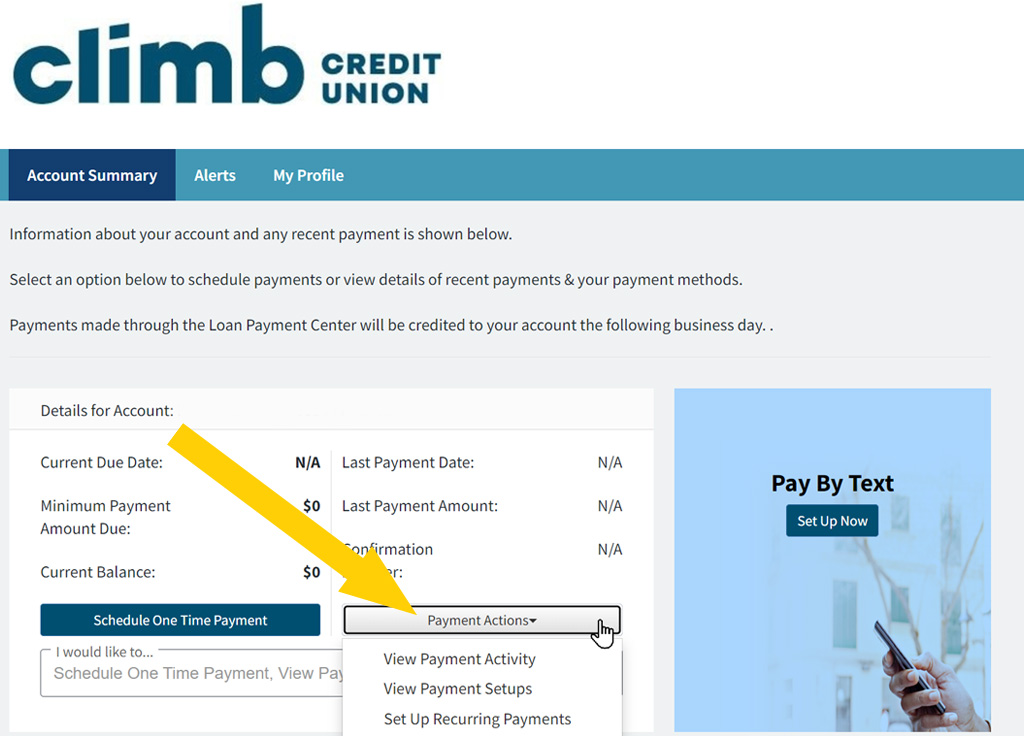
Select View Recurring Payments Enrollment from the drop-down menu.
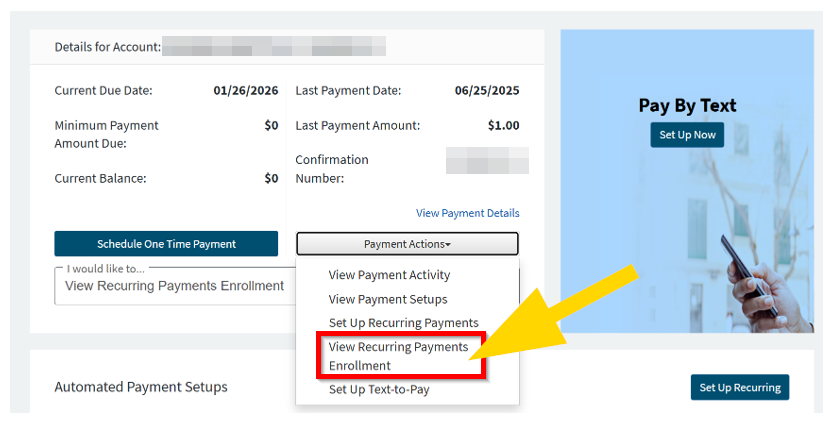
On this screen, you'll see all existing recurring payments. Find the one you'd like to cancel and click the red X.

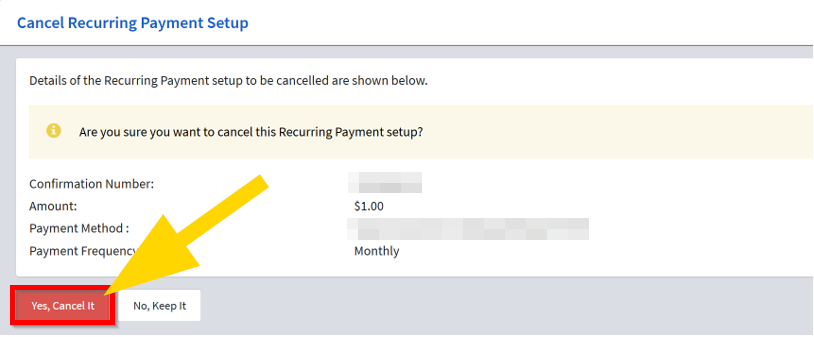
Confirm the cancelation by selecting Yes, Cancel It.

Next, you will need to create a new recurring payment. We've got steps here.